Exploring W3Schools: Your Gateway to Web Development Mastery
In the fast-paced world of technology, learning web development has never been more accessible. W3Schools stands out as a premier online platform dedicated to teaching essential skills in coding and web design. Whether you’re a complete beginner or a seasoned developer brushing up on the basics, W3Schools offers a wealth of resources tailored to make learning straightforward and engaging. Founded over two decades ago, this site has evolved into a go-to hub for millions worldwide, providing free tutorials, interactive examples, and practical tools. In this comprehensive guide, we’ll dive deep into what makes W3Schools unique, its history, features, and more, helping you decide if it’s the right fit for your learning journey.
History of W3Schools
W3Schools traces its roots back to 1998 when it was launched as a simple resource for web enthusiasts. The name draws inspiration from the World Wide Web (WWW), though it’s important to note that W3Schools has no official affiliation with the World Wide Web Consortium (W3C), the body responsible for web standards. Created by Refsnes Data, a Norwegian company, the platform started with basic tutorials on HTML and quickly expanded to cover emerging technologies like CSS and JavaScript.
Over the years, W3Schools has grown exponentially. By the early 2000s, it became a staple for self-taught developers, thanks to its user-friendly approach. Unlike academic-heavy sites, W3Schools focused on practicality, introducing features like the “Try It Yourself” editor early on. This interactive tool allowed users to experiment with code in real-time, revolutionizing online learning. As of 2025, the site boasts over 70 million monthly visitors and serves more than 3 billion pages annually, with a global audience spanning Asia (38%), the Americas (30%), Europe (27%), Africa (3%), and Oceania (2%).
The platform’s evolution reflects broader trends in web education. In the 2010s, it added server-side languages like PHP and Python, adapting to the rise of full-stack development. Despite criticisms in the past for occasional inaccuracies or oversimplifications, W3Schools has continuously updated its content to align with modern standards. Today, it remains independently operated, free from ads for premium users, and committed to its mission of simplifying web development for everyone, everywhere.
Key Features of W3Schools
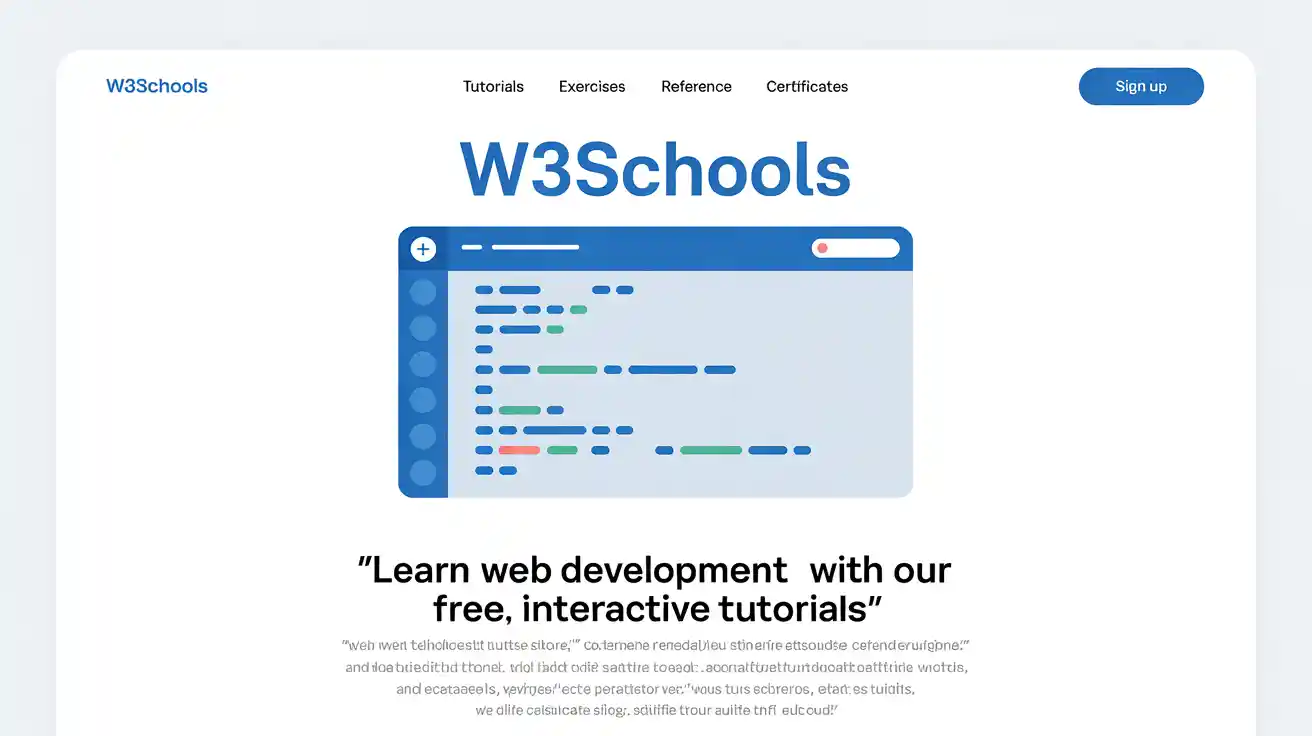
What sets W3Schools apart is its emphasis on simplicity and interactivity. The site’s clean interface ensures 100% readability, with short, digestible lessons that avoid jargon. One standout feature is the “Try It Yourself” editor, embedded in thousands of examples. This online code playground lets you edit HTML, CSS, JavaScript, Python, or SQL code and see instant results without needing to install software. It’s perfect for hands-on learning, helping users grasp concepts through experimentation.
Another highlight is the comprehensive reference sections. For every technology, W3Schools provides detailed guides on elements, properties, functions, and queries. For instance, the HTML reference lists all tags with examples, while the CSS section covers selectors, animations, and responsive design. The platform also includes quizzes and exercises to reinforce knowledge, making it ideal for self-paced study.
W3Schools supports a Plus subscription for an enhanced experience. For a fee (details available on their site), users get ad-free access, unlimited practice tests, website hosting via Spaces, and priority support. Teachers benefit from dedicated tools like classroom management dashboards, customizable study plans, and progress tracking for students. Additionally, the site’s color picker and code snippets library add practical value for quick tasks.
In 2025, W3Schools continues to innovate with AI integration, such as the kAI tutor in Spaces, which assists with error debugging, code optimization, and even generating website ideas based on user prompts. These features make W3Schools not just a learning site but a complete ecosystem for aspiring developers.
Popular Tutorials on W3Schools
W3Schools shines in its vast array of tutorials, covering front-end, back-end, and full-stack development. The HTML tutorial is a bestseller for beginners, starting with basic tags and progressing to forms, semantics, and accessibility. It’s paired with CSS lessons that teach styling, layouts using Flexbox and Grid, and responsive techniques for mobile-friendly sites.
JavaScript tutorials introduce programming fundamentals like variables, loops, and DOM manipulation, extending to advanced topics such as async/await and APIs. For server-side enthusiasts, the PHP tutorial covers scripting, databases, and security, while Python dives into data structures, modules, and web frameworks like Django.
Other popular sections include SQL for database management, Bootstrap for rapid prototyping, and Java for object-oriented programming. Each tutorial follows a consistent format: explanations, examples, “Try It Yourself” sections, and quizzes. Video tutorials complement text-based content, catering to visual learners. With updates reflecting 2025 standards, like ES2023 JavaScript features, these resources stay relevant.
Users often praise the bite-sized structure, which allows learning in 10-15 minute sessions. For instance, the C++ tutorial helps transition from basics to pointers and classes, while jQuery simplifies event handling for quick wins.
Certifications Offered by W3Schools
To validate skills, W3Schools provides certification programs across various technologies. These include HTML, CSS, JavaScript, Python, SQL, and more, categorized into intermediate, advanced, and professional levels based on exam scores.
The process is straightforward: Purchase a certificate course, study the materials, and take the online exam with three attempts allowed. No waiting periods mean you can retry immediately after reviewing weak areas. Certificates are lifelong, shareable via unique links or QR codes, and recognized globally by employers.
Costs vary by course, with flexible payment plans (3 or 6 months) and a 14-day money-back guarantee if no exams are attempted. Benefits include boosted resumes, real-time progress tracking, and interactive challenges. In 2025, these certifications are increasingly valued in job markets, helping learners stand out in competitive fields like web development.
W3Schools Spaces
W3Schools Spaces is a game-changer for practical application. This cloud-based platform lets you build and host websites directly in your browser, supporting front-end (HTML/CSS/JS) or full-stack (adding PHP, Python, Node.js) development.
Features include a robust code editor with terminals, file navigators, and package managers. The free plan allows one static site and 100 AI credits monthly for the kAI tutor, which explains concepts, fixes bugs, and generates code. Premium plans unlock back-end support, custom domains, analytics, and unlimited AI usage.
Integration with learning is seamless: Use Spaces to apply tutorial knowledge, share projects for feedback, and track visitor stats. For educators, it ties into Academy tools for collaborative projects. Pricing starts at free, with upgrades for advanced needs, making it accessible for hobbyists and professionals alike.
Pros and Cons of Using W3Schools
Like any platform, W3Schools has strengths and weaknesses. On the positive side, it’s completely free for core content, making it inclusive for global learners. The interactive editor and simple explanations accelerate understanding, and its vast coverage—from HTML to AI tools—suits diverse needs. Reviews in 2025 highlight its reliability for quick references and beginner-friendly pace.
However, some users note limitations in depth for advanced topics, where content might feel oversimplified or occasionally outdated. It’s not ideal for in-depth frameworks like React without supplementary resources. Ads on the free tier can distract, and while certifications are useful, they may not carry the weight of university degrees. Overall, pros outweigh cons for self-starters, but pairing with other sites enhances learning.
Alternatives to W3Schools
If W3Schools doesn’t fit, consider alternatives like freeCodeCamp, which offers project-based learning and community support. MDN Web Docs excels in accurate, in-depth references, especially for JavaScript. Codecademy provides interactive courses with gamification, while Khan Academy focuses on broader tech education.
For paid options, Udacity and Coursera offer structured nanodegrees with mentor guidance. TutorialsPoint and GeeksforGeeks are great for quick syntax lookups, and SoloLearn adds mobile-friendly apps. Each alternative has unique strengths, so mix and match based on your goals.
Conclusion
W3Schools remains a cornerstone of online web education in 2025, blending accessibility, interactivity, and comprehensive resources to empower learners worldwide. From its humble beginnings in 1998 to serving billions of pages today, it has democratized coding knowledge. Whether through free tutorials, certifications, or Spaces for real-world practice, W3Schools equips you with tools to thrive in tech. While it may not cover every advanced nuance, its focus on simplicity ensures high readability and effective learning. If you’re ready to dive into web development, start with W3Schools—it’s a proven path to mastery.
FAQs
What is W3Schools best for?
W3Schools is ideal for beginners learning HTML, CSS, JavaScript, and other web technologies through interactive, easy-to-follow tutorials.
Is W3Schools completely free?
Yes, core tutorials and references are free, but premium features like ad-free access and certifications require a subscription.
How accurate is W3Schools content?
While generally reliable, some advanced users note occasional simplifications; cross-reference with official docs for precision.
Can I get certified on W3Schools?
Absolutely—certifications in various languages are available via paid courses, with lifelong validity and shareable credentials.
What makes W3Schools unique?
Its “Try It Yourself” editor, global reach, and AI-assisted Spaces set it apart for practical, hands-on learning.
Are there mobile apps for W3Schools?
No dedicated apps, but the site is mobile-optimized, and alternatives like SoloLearn offer app-based learning.
How many people use W3Schools?
Over 70 million monthly visitors, with billions of page views yearly, making it one of the most popular coding sites.
Is W3Schools suitable for kids?
Yes, its simple language and quizzes make it great for young learners starting with basics like HTML.
What if I need more advanced content?
Supplement with sites like MDN or freeCodeCamp for deeper dives into frameworks and best practices.
Does W3Schools offer job placement?
No direct placement, but certifications and portfolios built in Spaces can boost your resume for job hunts.
About the Author